

MP4 to DivX Converter
or drag and drop your file

Drop your file here
By using our service you accept our Terms of Service and Privacy Policy.
How to Convert MP4 to DivX Online
-
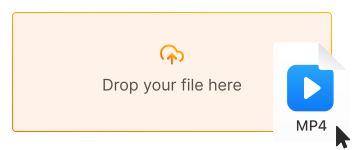
1. Upload your MP4 video
Click "Upload file" or drag and drop your MP4 file directly into the converter
-
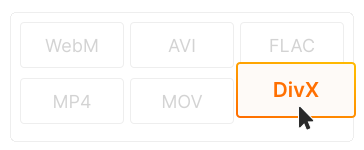
2. Choose DivX as output
DivX format is selected by default for efficient compression. Adjust quality settings if needed
-
3. Download your DivX file
Click "Convert" and download your DivX video. Ready for DivX players and home theater systems!
-
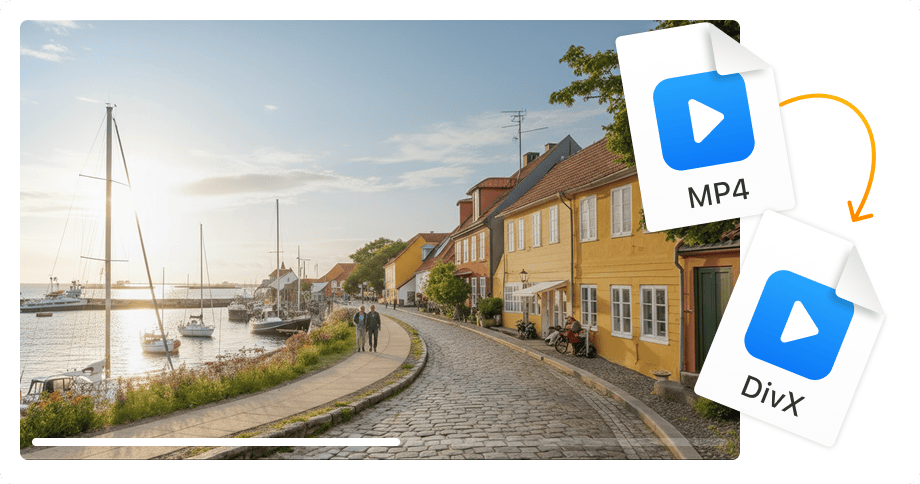
Up to 50% smaller file size
DivX compression significantly reduces file size while maintaining visual quality. Perfect for storing large video libraries or sharing via email.
-
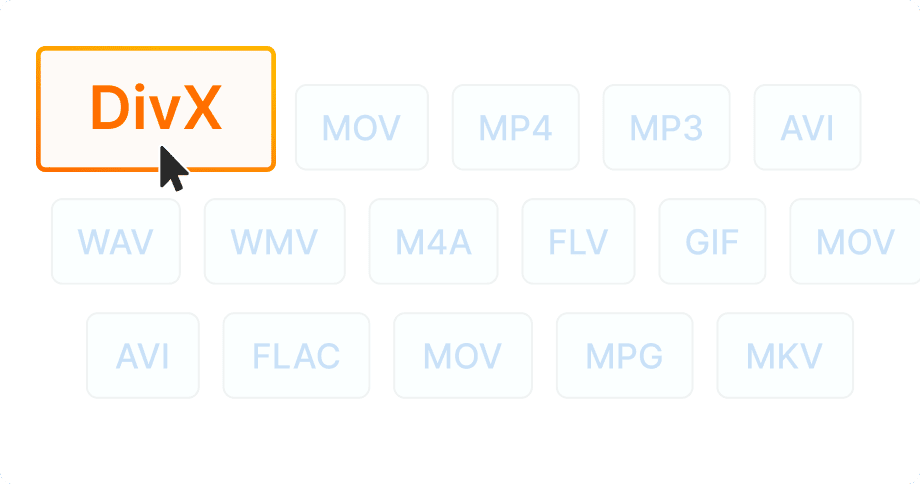
DivX-certified device compatibility
Play videos on DivX-certified DVD players, Blu-ray players, TVs, and home theater systems. Millions of devices support DivX playback.
-
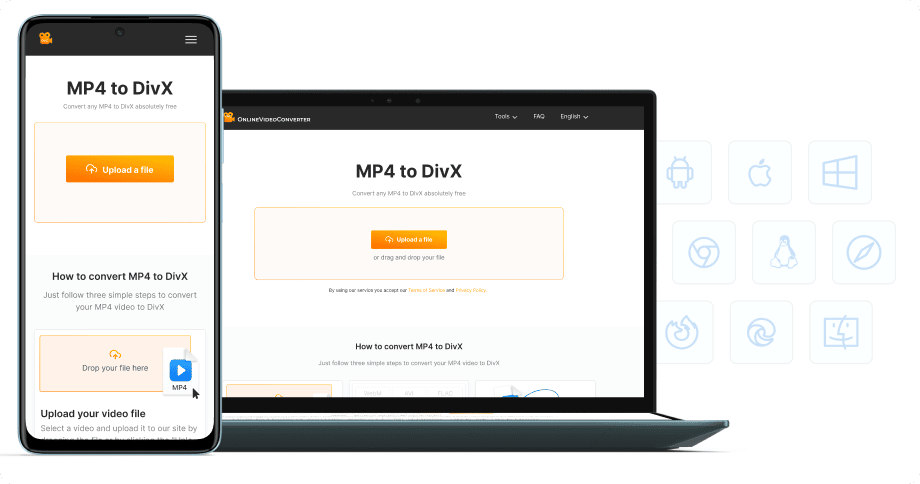
No software installation
Convert MP4 to DivX directly in your browser — on desktop, laptop, tablet, or phone. 100% free, no registration required.


Try more features!
Find more tools to speed up video creation and boost quality.
-

MP4 to MP3
Convert MP4 to MP3 online — extract audio in seconds, free and fast
-

YouTube to MP4
Download YouTube videos to MP4 in HD — watch offline, free online
-

TikTok Downloader
Download TikTok videos without watermark in HD — fast, free, online
-

AVI to MP4
Convert AVI to MP4 online — fast, free, no software needed
-

Instagram Downloader
Save Instagram Reels, Stories, and videos — free, fast, no login needed
-

Facebook Downloader
Download Facebook videos and Reels in HD — free, fast, no login required
-

Twitter Downloader
Save Twitter/X videos and GIFs in HD — fast, free, works on any device
-

YouTube to MP3
Convert YouTube to MP3 in seconds — high-quality audio, free online
FAQ
-
DivX offers excellent compression — up to 50% smaller files than MP4 with comparable quality. It's also required for DivX-certified players and home theater systems.
-
Yes! Our MP4 to DivX converter is completely free with no hidden fees. Convert unlimited files without watermarks or registration.
-
DivX uses efficient compression that maintains good visual quality while reducing file size. You can also adjust bitrate settings for your preferred quality level.
-
DivX plays on DivX-certified DVD players, Blu-ray players, smart TVs, gaming consoles, and media players. Over 1 billion DivX-certified devices exist worldwide.
-
MP4 is a container format using H.264/H.265 codecs. DivX uses MPEG-4 Part 2 compression optimized for smaller file sizes and is designed for DivX-certified hardware.
-
Yes! Our converter works on all devices — iPhone, iPad, Android, Windows, and Mac. Just use your mobile browser.