

MP4 to WAV Converter
or drag and drop your file

Drop your file here
By using our service you accept our Terms of Service and Privacy Policy.
How to Convert MP4 to WAV Online
-
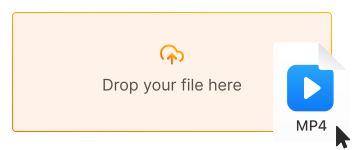
1. Upload your MP4 video
Click "Upload file" or drag and drop your MP4 file directly into the converter
-
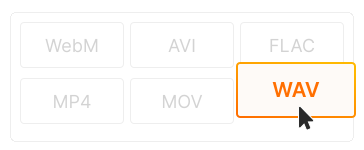
2. Choose WAV as output
WAV is selected by default for uncompressed audio. Choose sample rate (44.1kHz, 48kHz, 96kHz) if needed
-
3. Download your WAV audio
Click "Convert" and download your lossless audio file. Ready for DAWs, editing, or professional use!
-
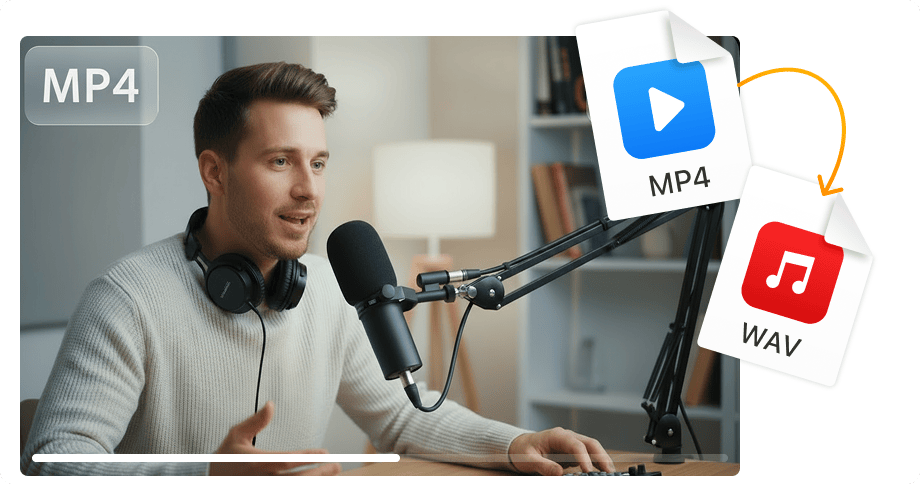
Uncompressed lossless audio
WAV preserves 100% of the original audio quality — no compression, no artifacts. Get pure PCM audio in 16-bit or 24-bit at up to 96kHz for professional-grade results.
-
Perfect for DAWs & editing
WAV is the industry standard for Pro Tools, Logic Pro, Ableton, FL Studio, and all professional audio software. Import directly into your DAW for mixing, mastering, or podcast editing.
-
No software installation
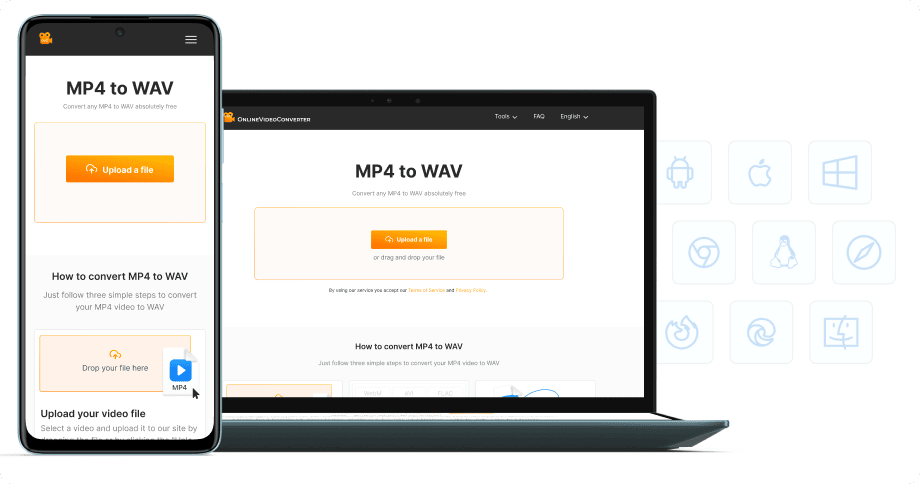
Extract WAV audio from MP4 directly in your browser — on desktop, laptop, tablet, or phone. 100% free, no registration required.


Try more features!
Find more tools to speed up video creation and boost quality.
-

MP4 to MP3
Convert MP4 to MP3 online — extract audio in seconds, free and fast
-

YouTube to MP4
Download YouTube videos to MP4 in HD — watch offline, free online
-

TikTok Downloader
Download TikTok videos without watermark in HD — fast, free, online
-

AVI to MP4
Convert AVI to MP4 online — fast, free, no software needed
-

Instagram Downloader
Save Instagram Reels, Stories, and videos — free, fast, no login needed
-

Facebook Downloader
Download Facebook videos and Reels in HD — free, fast, no login required
-

Twitter Downloader
Save Twitter/X videos and GIFs in HD — fast, free, works on any device
-

YouTube to MP3
Convert YouTube to MP3 in seconds — high-quality audio, free online
FAQ
-
WAV extracts uncompressed, lossless audio from video — perfect for music production, podcast editing, sound design, and professional mastering where maximum quality is essential.
-
For quality, yes! WAV is uncompressed (lossless) while MP3 discards audio data to reduce file size. Use WAV for editing and production, MP3 for final distribution and portable playback.
-
Yes! Our MP4 to WAV converter is completely free with no hidden fees. Convert unlimited files without watermarks or registration.
-
WAV is uncompressed audio — a 3-minute song can be 30-50MB. That's the trade-off for perfect quality. For smaller files with good quality, consider FLAC (lossless) or MP3 (lossy).
-
44.1kHz is CD quality, perfect for music. 48kHz is standard for video production. 96kHz is for high-resolution audio and professional mastering. Higher = larger files.
-
Yes! Our converter works on all devices — iPhone, iPad, Android, Windows, and Mac. Just use your mobile browser.