

MP4 to GIF Converter
or drag and drop your file

Drop your file here
By using our service you accept our Terms of Service and Privacy Policy.
How to Convert MP4 to GIF Online
-
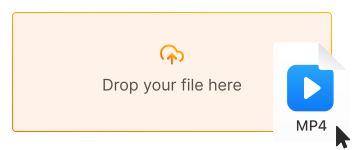
1. Upload your MP4 video
Click "Upload file" or drag and drop your MP4 file directly into the converter
-
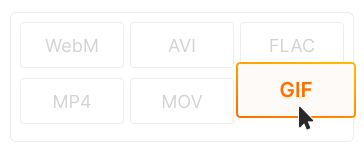
2. Choose GIF settings
GIF is selected by default. Adjust frame rate, resolution, or trim the video to create the perfect loop
-
3. Download your GIF
Click "Convert" and download your animated GIF. Ready to share on social media, Discord, or anywhere!
-
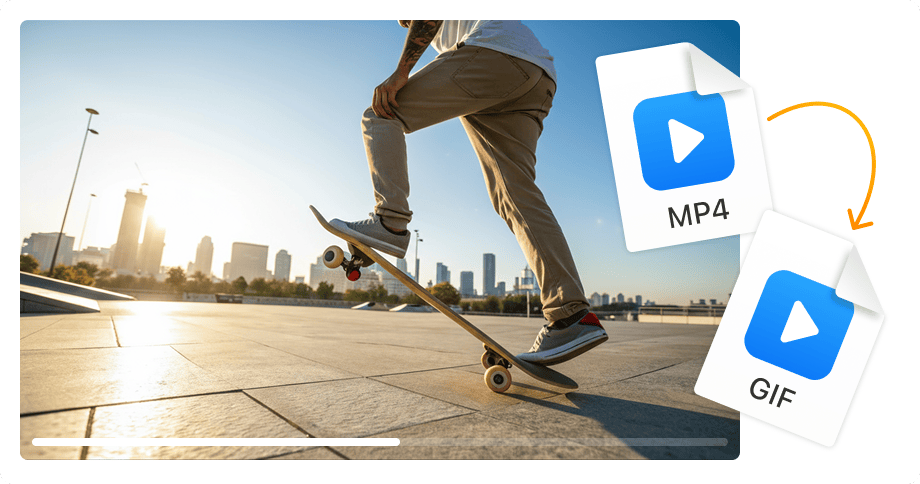
Perfect for memes & social media
Create shareable GIFs from any video clip. Perfect for memes, reactions, Twitter posts, Reddit, Tumblr, and messaging apps. GIFs auto-play everywhere!
-
Works on Discord, Slack & email
GIFs play automatically in Discord, Slack, Teams, WhatsApp, and email clients. No video player needed — your animation just works.
-
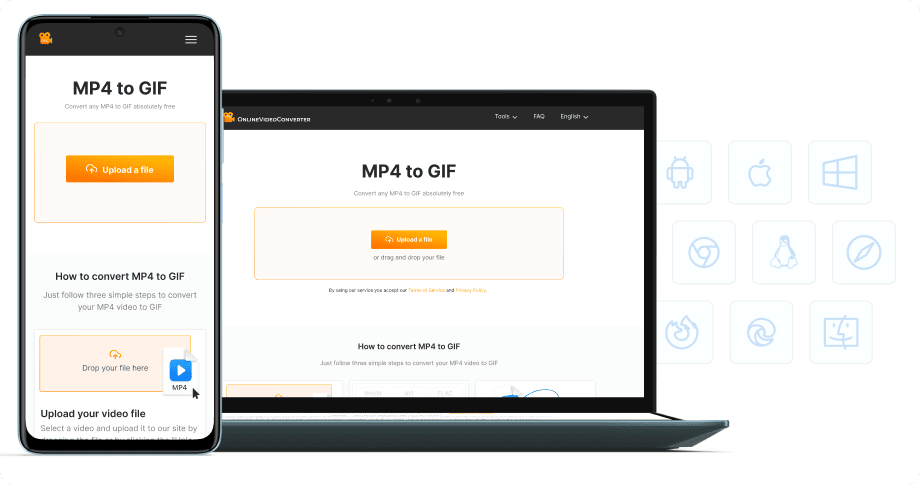
No software installation
Convert MP4 to GIF directly in your browser — on desktop, laptop, tablet, or phone. 100% free, no registration required.


Try more features!
Find more tools to speed up video creation and boost quality.
-

MP4 to MP3
Convert MP4 to MP3 online — extract audio in seconds, free and fast
-

YouTube to MP4
Download YouTube videos to MP4 in HD — watch offline, free online
-

TikTok Downloader
Download TikTok videos without watermark in HD — fast, free, online
-

AVI to MP4
Convert AVI to MP4 online — fast, free, no software needed
-

Instagram Downloader
Save Instagram Reels, Stories, and videos — free, fast, no login needed
-

Facebook Downloader
Download Facebook videos and Reels in HD — free, fast, no login required
-

Twitter Downloader
Save Twitter/X videos and GIFs in HD — fast, free, works on any device
-

YouTube to MP3
Convert YouTube to MP3 in seconds — high-quality audio, free online
FAQ
-
GIFs are perfect for sharing short video clips as memes, reactions, or tutorials. They auto-play in browsers, social media, messaging apps, and email — no video player needed.
-
Yes! Our MP4 to GIF converter is completely free with no hidden fees. Create unlimited animated GIFs without watermarks or registration.
-
No, GIF format does not support audio. GIFs are silent animated images. If you need video with sound, keep your file as MP4 or convert to WebM.
-
GIFs loop automatically by default! Our converter creates seamless looping GIFs. For best results, trim your video to a short clip (2-10 seconds) that loops smoothly.
-
Discord allows GIFs up to 8MB for regular users and 50MB for Nitro. Our converter optimizes file size automatically. For smaller files, reduce resolution or frame rate.
-
Yes! Our converter works on all devices — iPhone, iPad, Android, Windows, and Mac. Just use your mobile browser to create GIFs instantly.