

MP4 to MP3 Converter
or drag and drop your file

Drop your file here
By using our service you accept our Terms of Service and Privacy Policy.
How to Convert MP4 to MP3 Online
-
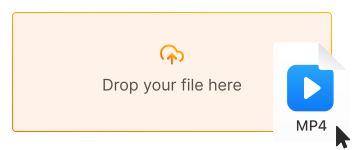
1. Upload your MP4 video
Click "Upload file" or drag and drop your MP4 file directly into the converter
-
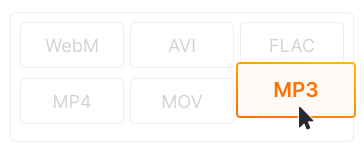
2. Choose MP3 as output
MP3 is selected by default. Choose audio quality (128kbps to 320kbps) based on your needs
-
3. Download your MP3 audio
Click "Convert" and download your audio file. Ready to play on any device or music app!
-
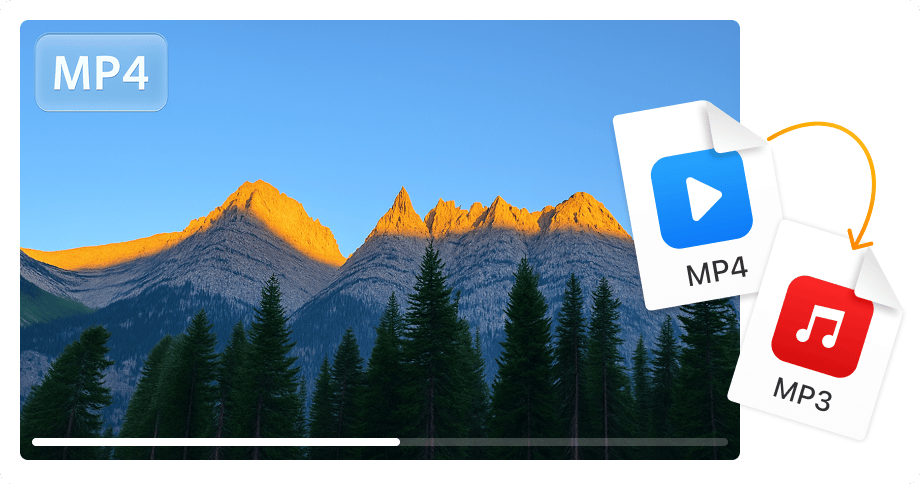
Extract audio from any video
Convert videos to MP3 audio files instantly. Perfect for saving music, podcast episodes, lectures, interviews, and audiobooks from video sources.
-
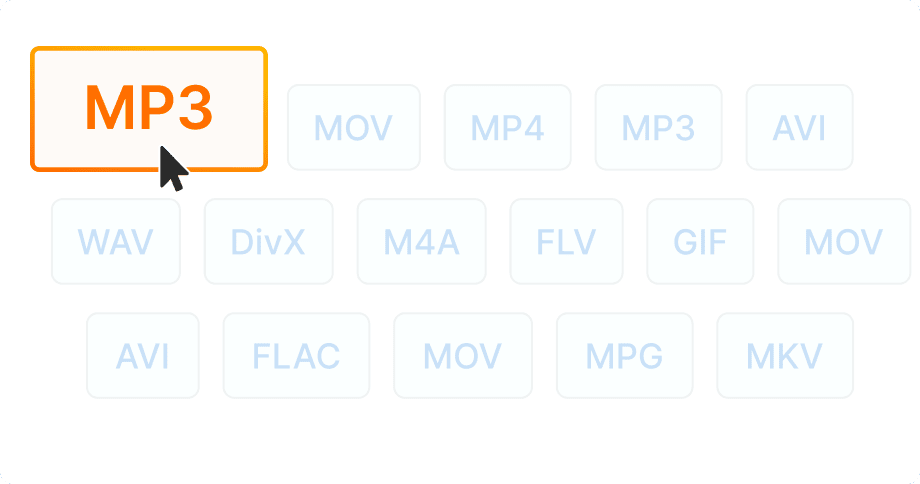
Universal MP3 compatibility
MP3 plays on every device — phones, cars, smart speakers, MP3 players, and all music apps. The most compatible audio format worldwide.
-
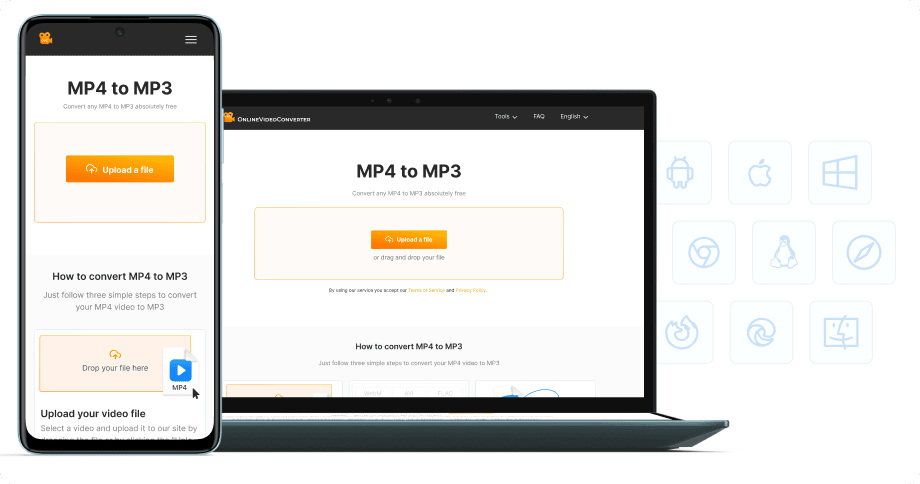
No software installation
Extract MP3 audio from MP4 directly in your browser — on desktop, laptop, tablet, or phone. 100% free, no registration required.


Try more features!
Find more tools to speed up video creation and boost quality.
-

YouTube to MP4
Download YouTube videos to MP4 in HD — watch offline, free online
-

TikTok Downloader
Download TikTok videos without watermark in HD — fast, free, online
-

AVI to MP4
Convert AVI to MP4 online — fast, free, no software needed
-

Instagram Downloader
Save Instagram Reels, Stories, and videos — free, fast, no login needed
-

Facebook Downloader
Download Facebook videos and Reels in HD — free, fast, no login required
-

Twitter Downloader
Save Twitter/X videos and GIFs in HD — fast, free, works on any device
-

YouTube to MP3
Convert YouTube to MP3 in seconds — high-quality audio, free online
-

YT Music Downloader
Download songs from YouTube Music as MP3 — free, fast, high-quality
FAQ
-
MP3 extracts just the audio track from video, creating smaller files perfect for music playback, podcasts, lectures, or listening offline without video.
-
Yes! Our MP4 to MP3 converter is completely free with no hidden fees. Convert unlimited videos to audio without watermarks or registration.
-
We offer MP3 quality from 128kbps (smaller files) to 320kbps (best quality). 320kbps is recommended for music, 128kbps is fine for speech and podcasts.
-
Yes! First download the YouTube video as MP4 using our downloader, then convert the MP4 file to MP3 to extract the audio.
-
Audio quality depends on the original video. Our converter extracts audio at the highest available quality. Choose 320kbps for best results.
-
Yes! Our converter works on all devices — iPhone, iPad, Android, Windows, and Mac. Just use your mobile browser.