

WAV to MP4 Converter
or drag and drop your file

Drop your file here
By using our service you accept our Terms of Service and Privacy Policy.
How to Convert WAV to MP4 Online
-
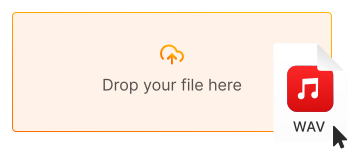
1. Upload your WAV audio
Click "Upload file" or drag and drop your WAV audio file directly into the converter
-
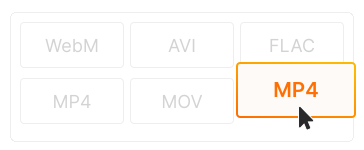
2. Choose MP4 as output
MP4 is selected by default. Add a cover image or use our default visualization for your video
-
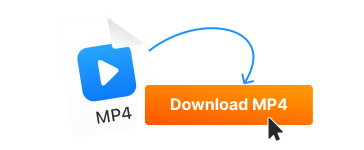
3. Download your MP4 video
Click "Convert" and download your video file. Ready to upload to YouTube, Instagram, or TikTok!
-
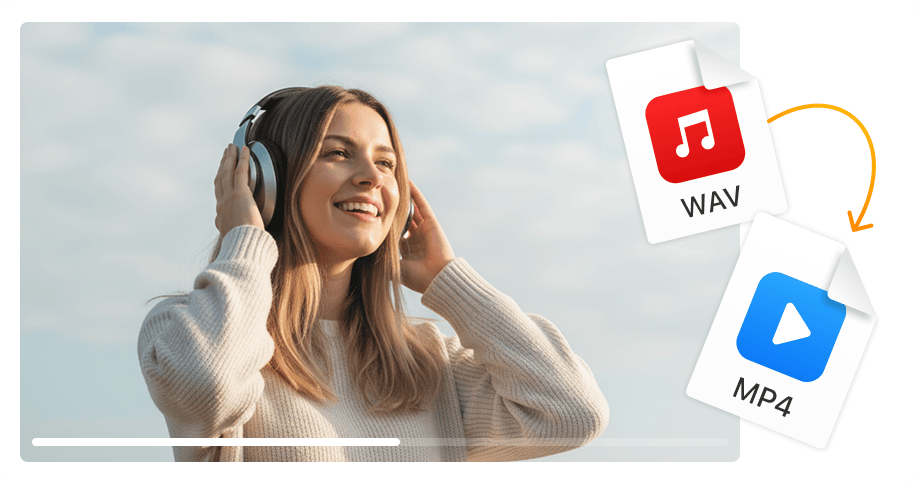
Upload audio to YouTube & social media
YouTube, Instagram, and TikTok require video files — not audio. Convert your WAV music or podcast to MP4 video format to share on any video platform.
-
Add cover art to your music
Create professional-looking videos with album artwork, podcast covers, or custom images. Perfect for music channels, audiobooks, and audio content creators.
-
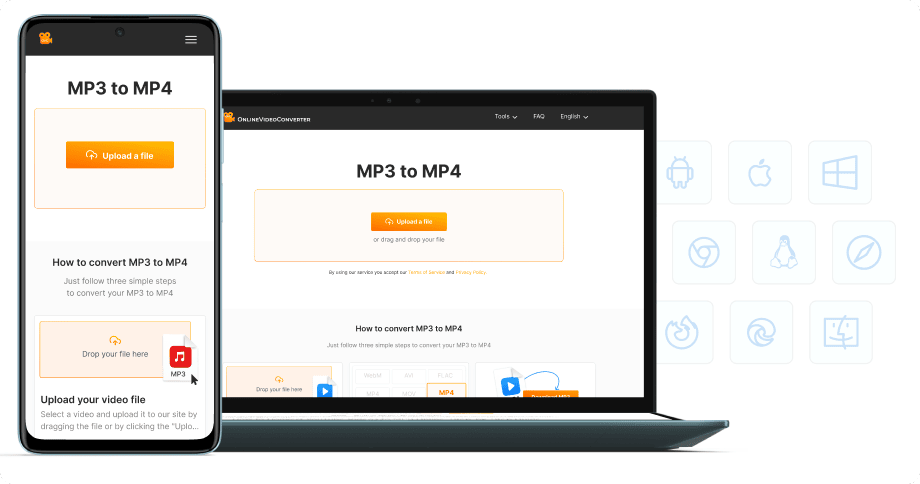
No software installation
Convert WAV to MP4 directly in your browser — on desktop, laptop, tablet, or phone. 100% free, no registration required.


Try more features!
Find more tools to speed up video creation and boost quality.
-

MP4 to MP3
Convert MP4 to MP3 online — extract audio in seconds, free and fast
-

YouTube to MP4
Download YouTube videos to MP4 in HD — watch offline, free online
-

TikTok Downloader
Download TikTok videos without watermark in HD — fast, free, online
-

AVI to MP4
Convert AVI to MP4 online — fast, free, no software needed
-

Instagram Downloader
Save Instagram Reels, Stories, and videos — free, fast, no login needed
-

Facebook Downloader
Download Facebook videos and Reels in HD — free, fast, no login required
-

Twitter Downloader
Save Twitter/X videos and GIFs in HD — fast, free, works on any device
-

YouTube to MP3
Convert YouTube to MP3 in seconds — high-quality audio, free online
FAQ
-
Video platforms like YouTube, Instagram, and TikTok don't accept audio-only files. Converting WAV to MP4 creates a video file you can upload and share on any platform.
-
Yes! When converting WAV to MP4, you can add album art, a podcast cover, or any image. The result is a video with your image displayed while the audio plays.
-
Yes! Our WAV to MP4 converter is completely free with no hidden fees. Convert unlimited files without watermarks or registration.
-
Yes! WAV is lossless audio. Our converter uses high-quality AAC encoding in the MP4 file to preserve excellent sound quality.
-
Yes! The MP4 files created are fully compatible with YouTube, Vimeo, Instagram, TikTok, Facebook, and all video platforms.
-
Yes! Our converter works on all devices — iPhone, iPad, Android, Windows, and Mac. Just use your mobile browser.