

MP4 to FLAC Converter
or drag and drop your file

Drop your file here
By using our service you accept our Terms of Service and Privacy Policy.
How to Convert MP4 to FLAC Online
-
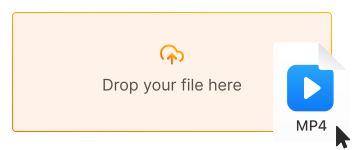
1. Upload your MP4 video
Click "Upload file" or drag and drop your MP4 file directly into the converter
-
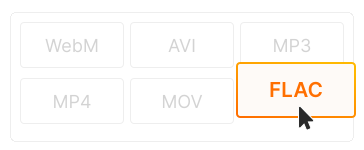
2. Choose FLAC as output
FLAC is selected by default for lossless audio. Adjust sample rate or channels if needed
-
3. Download your FLAC audio
Click "Convert" and download your lossless audio file. Crystal-clear quality for hi-fi playback or archiving!
-

True lossless audio extraction
FLAC preserves 100% of the original audio quality from your video. No compression artifacts — perfect for music production, DJ sets, and audiophile collections.
-
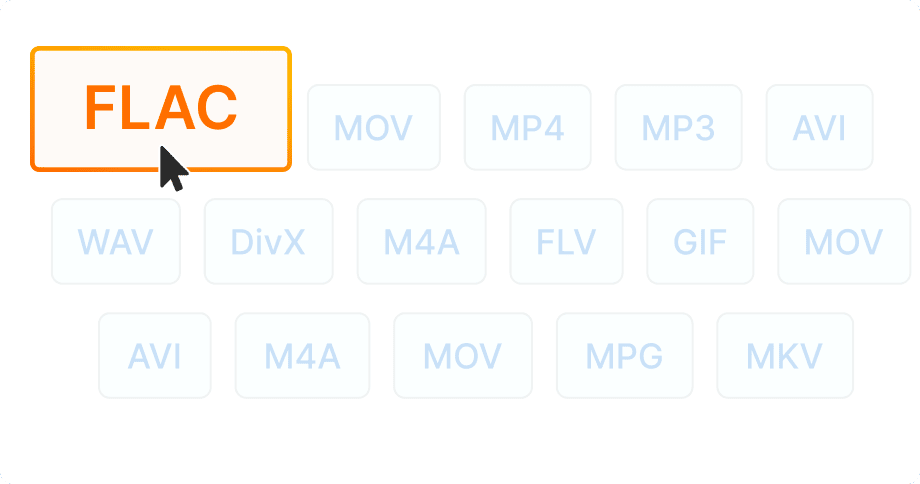
Smaller than WAV, same quality
FLAC compresses audio by 50-60% without losing any quality. Get CD-quality sound in smaller file sizes — ideal for archiving large music libraries.
-

No software installation
Extract FLAC audio from MP4 directly in your browser — on desktop, laptop, tablet, or phone. 100% free, no registration required.


Try more features!
Find more tools to speed up video creation and boost quality.
-

MP4 to MP3
Convert MP4 to MP3 online — extract audio in seconds, free and fast
-

YouTube to MP4
Download YouTube videos to MP4 in HD — watch offline, free online
-

TikTok Downloader
Download TikTok videos without watermark in HD — fast, free, online
-

AVI to MP4
Convert AVI to MP4 online — fast, free, no software needed
-

Instagram Downloader
Save Instagram Reels, Stories, and videos — free, fast, no login needed
-

Facebook Downloader
Download Facebook videos and Reels in HD — free, fast, no login required
-

Twitter Downloader
Save Twitter/X videos and GIFs in HD — fast, free, works on any device
-

YouTube to MP3
Convert YouTube to MP3 in seconds — high-quality audio, free online
FAQ
-
FLAC extracts the audio track from video without any quality loss. Perfect for saving music from concert videos, extracting soundtracks, or archiving audio in lossless format.
-
Yes for quality! FLAC is lossless — it preserves 100% of the original audio. MP3 uses lossy compression that discards some audio data. Choose FLAC for professional use or archiving.
-
Yes! Our MP4 to FLAC converter is completely free with no hidden fees. Convert unlimited files without watermarks or registration.
-
FLAC is supported by most modern music players, smartphones (iPhone, Android), computers, hi-fi systems, and streaming apps like VLC, foobar2000, and Spotify (for uploads).
-
FLAC files are about 2-3x larger than MP3 (at 320kbps) but 50-60% smaller than uncompressed WAV. You get CD-quality audio with reasonable file sizes.
-
Yes! Our converter works on all devices — iPhone, iPad, Android, Windows, and Mac. Just use your mobile browser.