

MP4 to WebM Converter
or drag and drop your file

Drop your file here
By using our service you accept our Terms of Service and Privacy Policy.
How to Convert MP4 to WebM Online
-
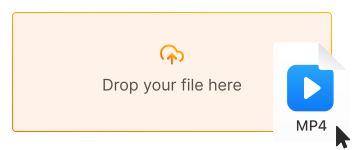
1. Upload your MP4 video
Click "Upload file" or drag and drop your MP4 file directly into the converter
-
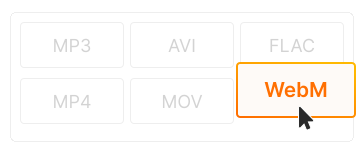
2. Choose WebM as output
WebM format is selected by default with VP9 compression. Adjust quality or resolution if needed
-
3. Download your WebM file
Click "Convert" and download your optimized WebM video. Ready for web embedding or HTML5 video!
-
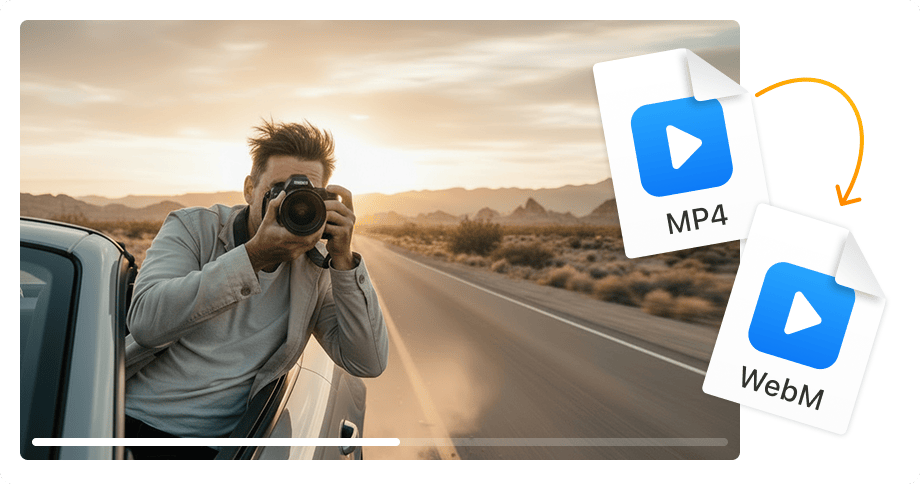
Up to 50% smaller file size
WebM with VP9 compression creates files up to 50% smaller than H.264 MP4 at the same quality. Faster page loads, lower bandwidth costs — perfect for websites and blogs.
-
Native browser support
WebM plays natively in Chrome, Firefox, Edge, and Opera without plugins. Royalty-free and open source — no licensing fees for your website or app.
-
No software installation
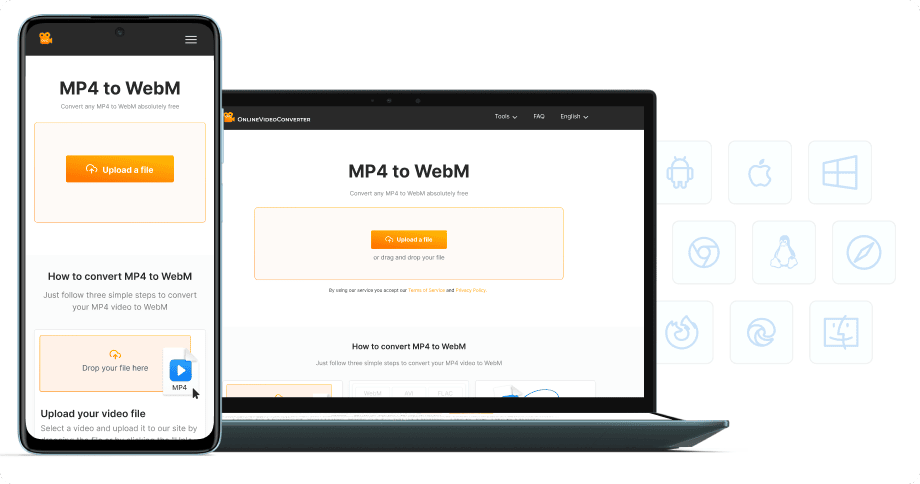
Convert MP4 to WebM directly in your browser — on desktop, laptop, tablet, or phone. 100% free, no registration required.


Try more features!
Find more tools to speed up video creation and boost quality.
-

MP4 to MP3
Convert MP4 to MP3 online — extract audio in seconds, free and fast
-

YouTube to MP4
Download YouTube videos to MP4 in HD — watch offline, free online
-

TikTok Downloader
Download TikTok videos without watermark in HD — fast, free, online
-

AVI to MP4
Convert AVI to MP4 online — fast, free, no software needed
-

Instagram Downloader
Save Instagram Reels, Stories, and videos — free, fast, no login needed
-

Facebook Downloader
Download Facebook videos and Reels in HD — free, fast, no login required
-

Twitter Downloader
Save Twitter/X videos and GIFs in HD — fast, free, works on any device
-

YouTube to MP3
Convert YouTube to MP3 in seconds — high-quality audio, free online
FAQ
-
WebM offers smaller file sizes than MP4 with excellent quality — perfect for web embedding, HTML5 video, and faster page loads. It's also royalty-free with native browser support.
-
Chrome, Firefox, Edge, and Opera support WebM natively. Safari added WebM support in macOS Big Sur and iOS 14+. For older Safari, provide an MP4 fallback.
-
Yes! Our MP4 to WebM converter is completely free with no hidden fees. Convert unlimited files without watermarks or registration.
-
For web use, often yes! WebM files are typically 25-50% smaller than MP4 at similar quality. Smaller files = faster page loads and better SEO. Many sites use both formats for compatibility.
-
VP9 is Google's open-source video codec used in WebM. It offers better compression than H.264 (used in MP4), meaning smaller files at the same quality. YouTube uses VP9 for most videos.
-
Yes! Our converter works on all devices — iPhone, iPad, Android, Windows, and Mac. Just use your mobile browser.