

WebM to MP4 Converter
or drag and drop your file

Drop your file here
By using our service you accept our Terms of Service and Privacy Policy.
How to Convert WebM to MP4 Online
-
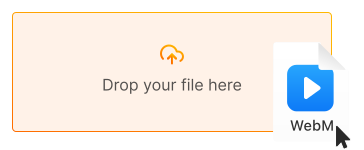
1. Upload your WebM video
Click "Upload file" or drag and drop your WebM file directly into the converter
-
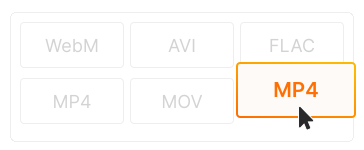
2. Choose MP4 as output
MP4 format is selected by default for universal compatibility. Adjust quality settings if needed
-
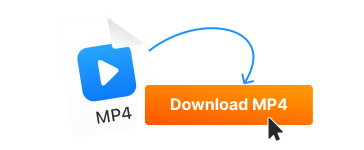
3. Download your MP4 file
Click "Convert" and download your video. Now playable on any device — iPhone, TV, anywhere!
-

Play on any device
MP4 with H.264 plays everywhere — iPhone, iPad, Android, smart TVs, Roku, Fire TV, PlayStation, Xbox, and every media player. No more "format not supported" errors.
-
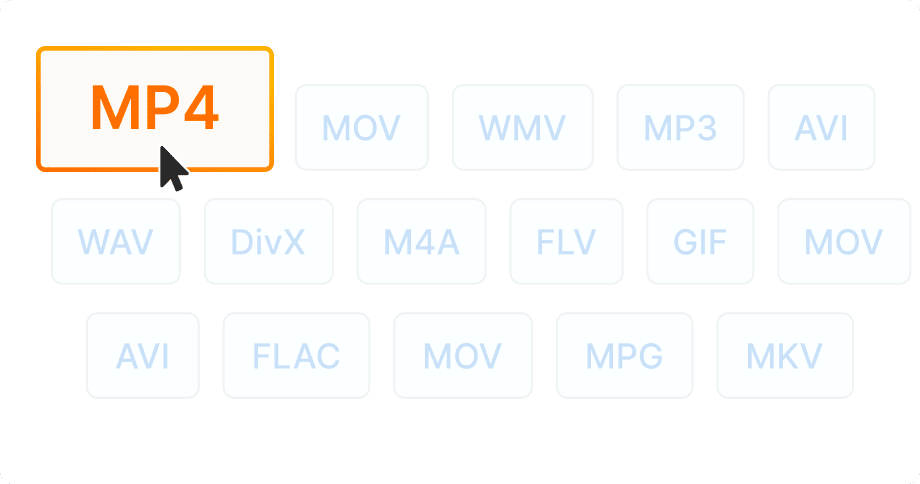
Edit in any video software
Most video editors prefer MP4 over WebM. Convert your WebM files to edit in Premiere Pro, Final Cut Pro, DaVinci Resolve, iMovie, or any editing software.
-
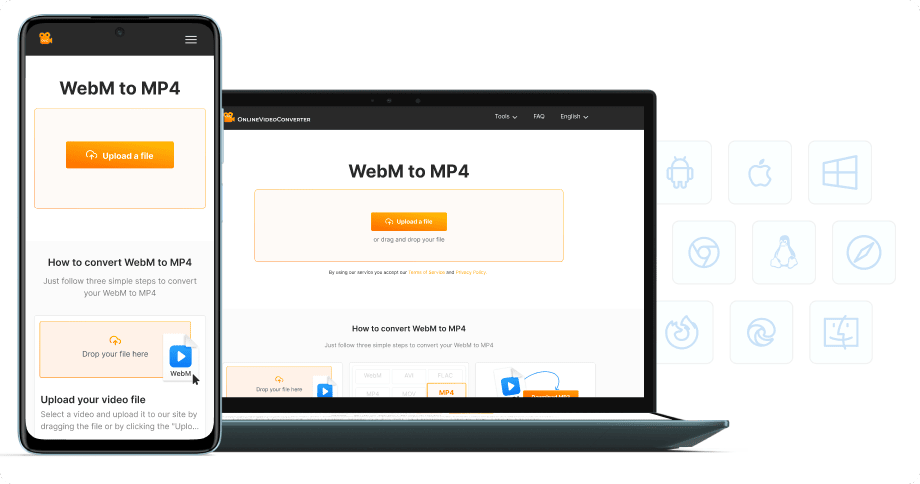
No software installation
Convert WebM to MP4 directly in your browser — on desktop, laptop, tablet, or phone. 100% free, no registration required.


Try more features!
Find more tools to speed up video creation and boost quality.
-

MP4 to MP3
Convert MP4 to MP3 online — extract audio in seconds, free and fast
-

YouTube to MP4
Download YouTube videos to MP4 in HD — watch offline, free online
-

TikTok Downloader
Download TikTok videos without watermark in HD — fast, free, online
-

AVI to MP4
Convert AVI to MP4 online — fast, free, no software needed
-

Instagram Downloader
Save Instagram Reels, Stories, and videos — free, fast, no login needed
-

Facebook Downloader
Download Facebook videos and Reels in HD — free, fast, no login required
-

Twitter Downloader
Save Twitter/X videos and GIFs in HD — fast, free, works on any device
-

YouTube to MP3
Convert YouTube to MP3 in seconds — high-quality audio, free online
FAQ
-
WebM has limited device support — many TVs, iPhones, and media players can't play it. MP4 (H.264) is universally compatible and plays on virtually every device and platform.
-
Older iPhones and iPads have limited WebM support. Converting to MP4 ensures your videos play perfectly on all Apple devices, including AirPlay to Apple TV.
-
Yes! Our WebM to MP4 converter is completely free with no hidden fees. Convert unlimited files without watermarks or registration.
-
Our converter uses high-quality H.264 encoding to preserve video quality. You can also adjust bitrate settings if you need smaller files or maximum quality.
-
WebM files are common from web downloads, screen recording software, browser-based tools, and some video platforms. They're Google's open-source format used on YouTube internally.
-
Yes! Our converter works on all devices — iPhone, iPad, Android, Windows, and Mac. Just use your mobile browser to convert WebM to MP4.